Is OHarness free?
Yes. The harness is free to use with your own provider key or a local model, and needs no account. The optional hosted plan bills model usage in credits.
Is OHarness open source?
Not yet. The npm packages are published under the MIT licence; the source repository is private. Open source: coming soon, with no release date announced.
Does it work with Claude, GPT and Gemini?
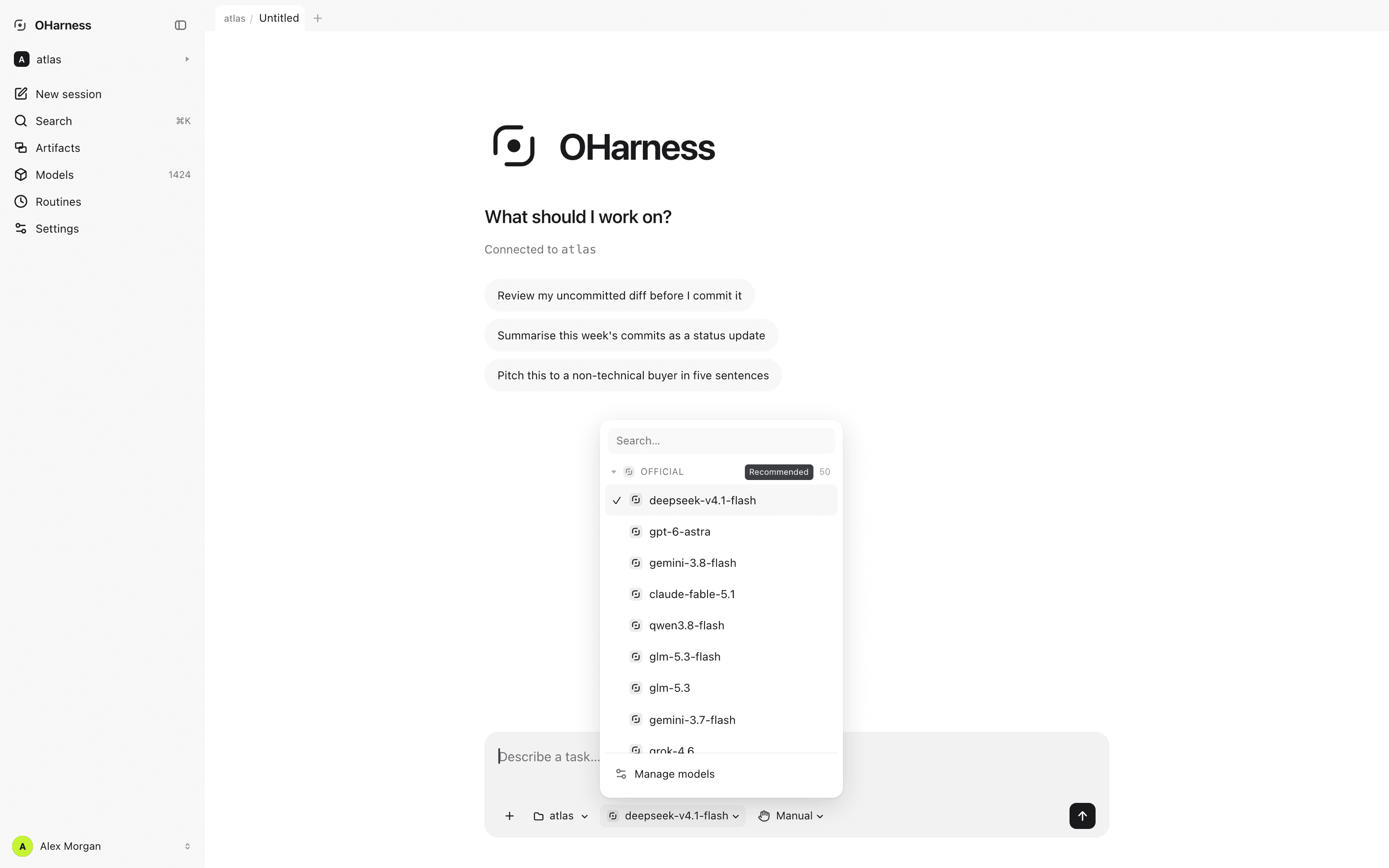
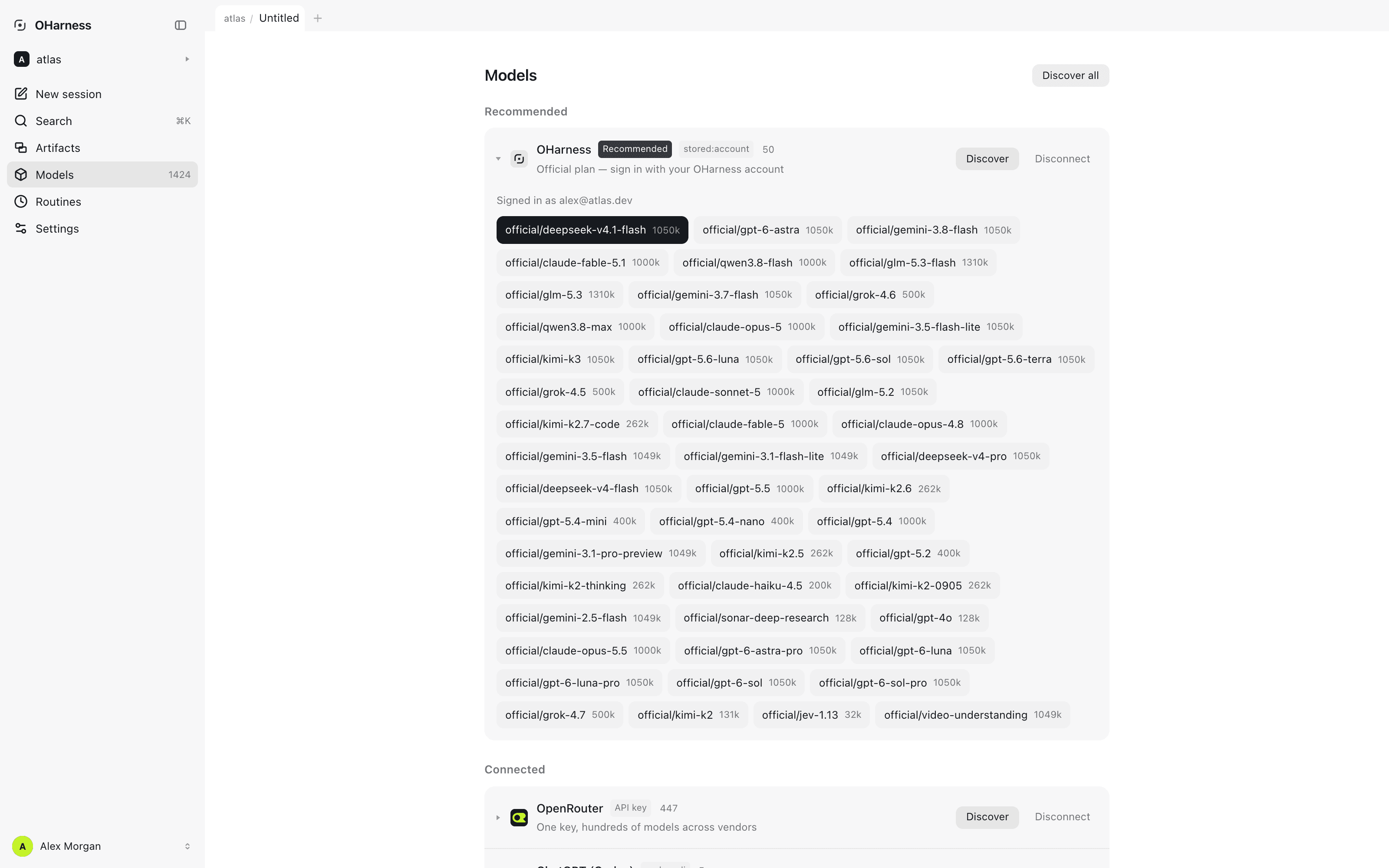
Yes, natively — along with DeepSeek, Kimi, GLM, Qwen, OpenRouter and 30+ other providers, and any OpenAI-compatible endpoint.
Can it run local models?
Yes. Ollama, LM Studio and vLLM are built in and need no key, so model requests never leave your machine.
Can I switch models without restarting?
Yes. /model switches mid-session. Provider-neutral history, tool results, permissions, memory and artifacts stay with the harness.
Does OHarness see my code or API keys?
Not with your own key: requests go straight from your machine to the provider you chose, and keys are stored locally with owner-only permissions. Only the optional hosted plan routes requests through our metering gateway.
How is it different from Claude Code?
Claude Code is built for Anthropic's models. OHarness follows the same architecture — agent loop, tools, permissions, MCP, subagents — with the model as a replaceable backend, plus browser and desktop frontends on the same engine.
Which operating systems does it run on?
The CLI runs anywhere Node 22.6 or newer does: macOS, Linux and Windows. The desktop app is published for macOS on Apple silicon.